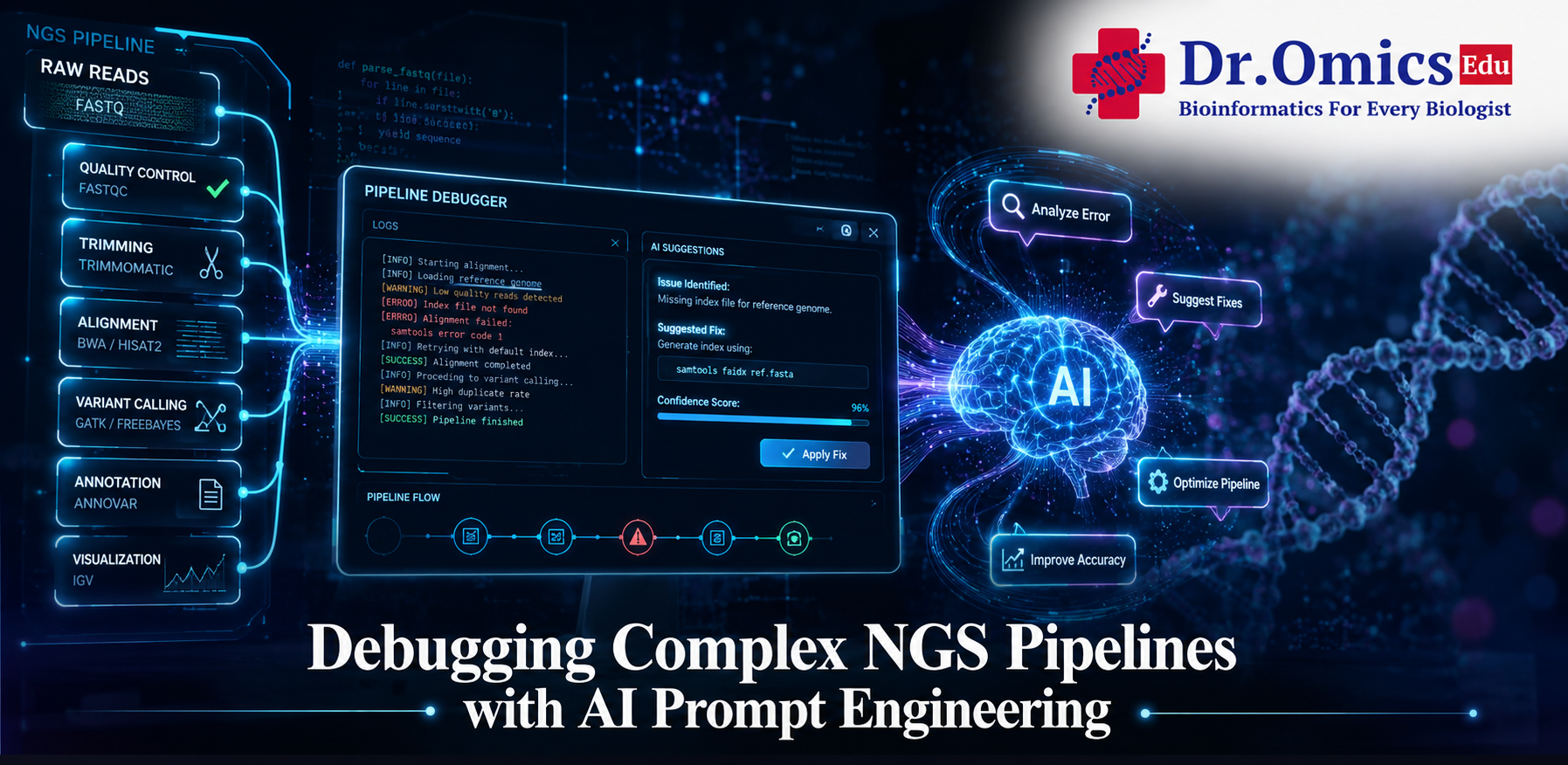
Debugging Complex NGS Pipelines with AI Prompt Engineering
May 17, 2026
As we move through 2026, the role of a bioinformatician is shifting from manual script editing to "Pipeline Orchestration." With the complexity of Next-Generation Sequencing (NGS) reaching new heights, AI has become an indispensable debugging partner. However, the secret to high-fidelity fixes lies in prompt engineering for bioinformatics—the art of giving AI the specific biological and computational context it needs to stop hallucinating and start solving.
1. Prompt Engineering: The "Contract" with AI
In 2026, we no longer just "ask" an AI to fix code; we define a "contract." Effective prompts for complex NGS issues must follow a structured Role-Context-Task framework.
- Role-Based Prompting: Instead of "Fix this error," start with: "You are an expert Bioinformatics Engineer specializing in Nextflow DSL2 and GATK best practices." This narrows the AI's internal search space to relevant technical documentation.
- Context Delimiters: Use XML-like tags to separate your instructions from the messy logs.
Example: <LOGS> [paste Nextflow .nextflow.log here] </LOGS> <TASK> Identify the specific process that caused the SIGTERM signal and suggest a memory-aware config fix. </TASK>
2. Debugging R Scripts with AI (DESeq2 & Seurat)
R scripts in bioinformatics often fail due to "Silent Logical Errors"—code that runs but produces biologically nonsensical results (e.g., upside-down volcano plots).
- The "Traceback" Prompt: When an R script crashes, don't just paste the error. Provide the session info.
Prompt: "I am getting a 'subscript out of bounds' error in my DESeq2 workflow. Here is my sessionInfo() and the first 5 lines of my colData. Why is my contrast vector failing?" - Logic Verification: AI is now excellent at "Code Review." Use a prompt like: "Review this Seurat normalization script for potential batch effect oversights. Are there any steps where I am inadvertently regressing out biological signals instead of technical noise?"
3. Nextflow Pipeline Error Fixes
Nextflow is the backbone of reproducible NGS, but its "Dataflow" paradigm can be tricky to debug. In 2026, AI is particularly useful for solving Nextflow pipeline error fixes related to resource allocation and channel management.
- Handling exit status 143 (OOM): This is the most common NGS error (Out of Memory).
AI Solution Prompt: "My nf-core/rnaseq run failed with exit status 143 at the 'STAR_ALIGN' step. Generate a custom.config file that uses a dynamic retry strategy, increasing memory by 20GB for each attempt." - Chain-of-Thought (CoT) Debugging: For complex "Channel" errors where data isn't flowing between processes, use Iterative Prompting.
"Let's think step-by-step. First, trace the bam_chan from the alignment process. Second, check if the index_bam process is receiving a tuple or a single file. Third, suggest the correct .combine() or .join() operator to fix the mismatch."
4. The 2026 "Bio-Prompt" Checklist
When debugging your next NGS run, ensure your prompt includes these four pillars:
- The Specific Tool Version: (e.g., "Samtools 1.19", "Nextflow 25.10.0")
- The Resource Environment: (e.g., "AWS Batch", "SLURM cluster", "Local Docker")
- The Input Shape: (e.g., "Paired-end FastQ", "10x Genomics CellRanger output")
- The Goal: (e.g., "Fix the syntax," "Optimize for speed," "Ensure reproducibility")
Conclusion: AI as a Scaffold, Not a Substitute
While AI can spot a "stray invisible character" in seconds that would take a human hours to find, it remains a scaffold for understanding. The best bioinformaticians in 2026 use AI to explain the why behind a fix, ensuring they learn the underlying architecture of the pipeline. By mastering prompt engineering, you turn a "black box" assistant into a transparent, high-speed debugging engine.
